

Creating an account with secure sign in Rocket Casino is the primary step in obtaining access to a completely regulated online gambling environment. Verification is not a formality; it is the process that confirms your identity, deters fraud, and ensures compliance with licensing conditions. The following sections describe each stage of the journey, from initial registration through ongoing account management, so you can expect requirements and prevent common delays.
Eligibility Before Sign-up
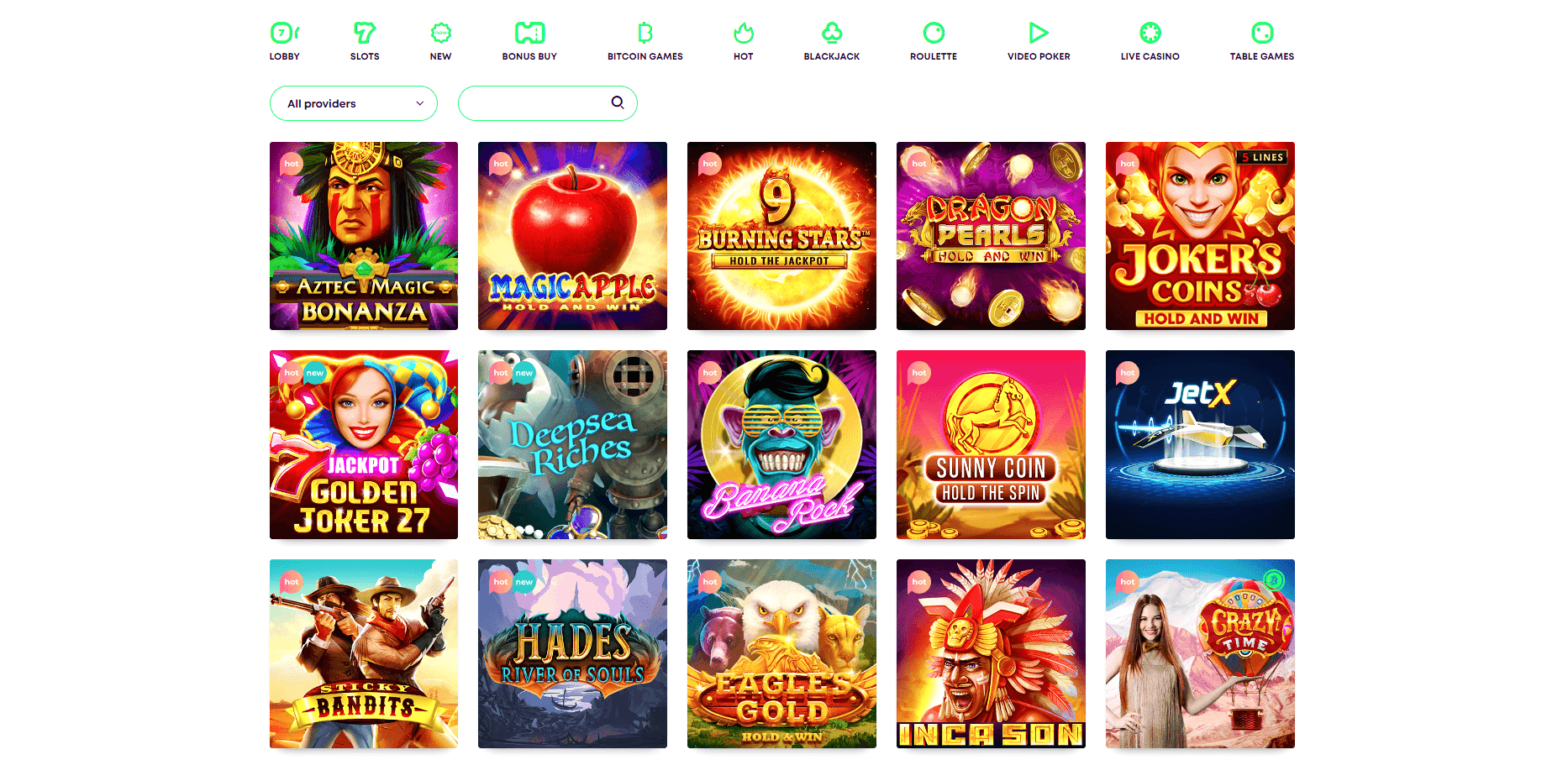
Before any data are entered, eligibility must be confirmed. Rocket Casino mandates every new player to be at least eighteen years of age and legally allowed to gamble in their jurisdiction. Age verification is carried out automatically during the first deposit or withdrawal, so attempting to register with a false birth date will lead to an immediate block once documents are provided. In addition, the platform does not admit accounts from individuals who appear on sanctions lists or who reside in jurisdictions where online gambling is forbidden by local statute.
Players should also ensure that their chosen payment method matches the name on their identification documents. Mismatched names are a frequent cause of verification failure. If you aim to use a credit card, e-wallet, or bank transfer, guarantee the account holder name is identical to the name you will input during registration. This single check avoids the majority of later delays.
Eligibility rules also reach to residency status. A player holding dual citizenship must choose the jurisdiction where they spend the majority of the year. If that jurisdiction prohibits online gambling, the account cannot be created even if the second citizenship would otherwise enable it. The system cross-checks the IP address used during registration against the declared country, so any mismatch prompts an immediate manual review before the account can continue further.
Account Restrictions, Charges, and Ongoing Obligations
Verification itself has no direct charge to the player. However, certain payment methods have their own verification demands that could entail minor test payments. Upon confirmation, payout limits are adjusted based on the chosen banking method and the user’s transaction record. Usual daily withdrawal caps span from a several hundred to many thousand units of currency, with greater limits accessible on request after consistent account usage.
Players remain responsible for keeping documents current. If a passport expires or a utility statement becomes older than three months, the system may flag the profile during the next withdrawal attempt. Updating documents in advance avoids interruptions. Furthermore, Rocket Casino performs regular re-verification reviews, particularly after big wins or extended periods of inactivity, to maintain compliance with developing regulatory norms.
Re-verification after large wins operates on a risk-based schedule. A single payment exceeding a set threshold automatically places the account under heightened due-diligence scrutiny. The account holder receives an email listing the precise documents needed, typically the latest bank statement and a new copy of the identification card. Submitting these files within a week ensures withdrawal processing stays on track; delays beyond that window could lead to a temporary freeze until the verification is finished.
Additional Security Layers
Device Identification and Location Tracking
The platform records the device identifier and estimated geographic position of each login. If a login comes from a different country or an unknown device, an email alert is sent automatically. Users can pre-authorise trusted locations through the profile settings, decreasing the frequency of such notifications while keeping protection against surprise login attempts.
Uploading Identity Files
Authentication begins when the player uploads a government-issued photo ID. Approved documents comprise a passport, national identity card, or driver’s licence that clearly displays the full name, date of birth, and a recent photograph. The file must be in colour, less than two megabytes, and saved as a JPG, PNG, or PDF. Unclear scans or expired documents are rejected automatically, triggering an email request for a replacement.
Alongside the photo ID, a second document is required to prove current residential address. Utility bills, bank statements, or council tax invoices dated within the last three months are acceptable. The document must show the player’s full name and the exact address entered during registration. If the address on the utility bill varies from the registration address, an additional letter from the service provider confirming the move may be requested.
Document quality directly affects processing speed. A scan taken with a smartphone against a plain background usually satisfies the clarity threshold, whereas photographs of a physical document lying on patterned fabric often produce shadows that the review software identifies. Players who press the document under a sheet of glass or use a dedicated scanner lower the chance of rejection and shorten the overall timeline by at least one review cycle.

Password Protection and Recovery Procedures
Upon completion of verification, the account is completely active, but password hygiene stays the player’s responsibility. The platform mandates a minimum length of eight characters containing at least one uppercase letter and one number. Passwords are stored in hashed form, and the system never transmits the original password in any email. If a password is lost, the recovery link generates a single-use token valid for two hours.
Players who suspect their password has been exposed should initiate recovery immediately and then turn on two-factor authentication. The recovery process requires access to the registered email address; therefore, it is crucial to keep that inbox safe and to change the email address promptly if it changes. Support staff cannot reset passwords without this verification step, securing the account even if a player can no longer access the original email.
Password managers make easier compliance with complexity rules. Saving the generated password into an encrypted vault ensures the player never needs to commit to memory it, diminishing the inclination to reuse a simple string across multiple sites. The Rocket Casino recovery flow functions smoothly with password-manager autofill, so the transition from forgotten password to restored access usually takes less than five minutes when the email inbox is under the player’s command.
Creating the First Account
The registration form is displayed on the homepage and requests a valid email address, a chosen username, and a password that satisfies minimum complexity rules. After the form is submitted, an activation link is sent to the email address. Clicking this link validates ownership of the inbox and enables the account for login. No deposit is mandated at this stage, but the account continues in a limited state until identity documents are uploaded and reviewed.
During this first login, the system prompts the player to select a preferred currency. The choice cannot be changed later without contacting support and providing fresh proof of address, so it is recommended confirming the currency before proceeding. Once the currency is set, the account dashboard presents the verification status as “Pending” until the required documents are received and approved.
Username selection also carries forward-looking consequences. The chosen username appears in chat rooms and on tournament leaderboards, so players often favor a neutral handle rather than a personal name. If the username is later deemed offensive or misleading, support can mandate a change, but the underlying account identity is tied tied to the verified documents. Choosing carefully at the outset sidesteps administrative friction later.
Complete Account Activation and Safe Play Tools
After identity verification and security settings are done, the account enters full operational status. At this point the player can set deposit, loss, and session limits directly from the responsible gambling section. These limits are binding and cannot be raised until the previously chosen cooling-off period has elapsed. The platform also delivers reality-check pop-ups at intervals chosen by the player, reminding them of elapsed time and expenditure.
Access to these tools is available immediately upon full verification, reinforcing the principle that verification is not merely a regulatory hurdle but the gateway to a regulated and transparent gambling environment. Players who finish the process methodically encounter fewer interruptions and maintain clearer oversight of their activity.
Once the account is fully active, the responsible gambling dashboard displays a running total of deposits, withdrawals, and net position for the current calendar month. Reviewing these figures weekly helps players identify patterns before they become problematic. Setting a modest monthly deposit cap at the outset, then adjusting it only after deliberate consideration, offers a practical safeguard that aligns with long-term entertainment budgeting rather than reactive restriction.
Typical Verification Issues and Appropriate Fixes
One common obstacle is a name mismatch caused by the use of a preferred or abbreviated name on the registration form. The compliance team requires the name on documents to match the registration name exactly, inclusive of any middle names. If a player has changed their legal name through marriage or deed poll, both the old and new documents must be submitted along with a short explanatory note.
Another common problem arises when players upload documents that are not in the Latin alphabet. In such cases the platform asks for a certified translation performed by a sworn translator. The translation must be dated within six months of submission and must include the translator’s stamp and signature. Providing these additional materials at the outset prevents repeated requests and reduces the overall verification period.
Players who move frequently sometimes receive utility bills addressed to a property manager or landlord. In these situations the platform accepts a tenancy agreement or a letter from the landlord confirming residency, provided the document is dated within three months and includes the player’s full name. Pairing the tenancy agreement with a recent bank statement that shows the same address meets the address-verification requirement without additional correspondence.
Dual-Factor Security Setup
Two-factor authentication introduces a extra verification layer beyond the password. Rocket Casino accepts authenticator applications that create time-based codes. After activating the feature in the security section of the account settings, the player scans a QR code displayed on screen. From that point forward, every login demands both the password and the current six-digit code from the authenticator app.
Backup codes are produced during setup and ought to be stored offline. If the authenticator device is lost, these codes enable emergency access while a new device is configured. Without either the authenticator or a backup code, the player has to contact support and complete an additional identity check, which could take several days. Enabling two-factor authentication therefore lowers both the likelihood and the impact of unauthorised access.
Some players prefer hardware keys that plug into a USB port or pair via NFC. The platform supports FIDO2-compliant keys as an substitute to software authenticators. Once enrolled, the key substitutes for the six-digit code prompt, delivering faster login on desktop computers while preserving the same cryptographic assurance. Hardware keys can be added or removed from the security settings page without turning off two-factor authentication entirely.
Login Troubleshooting and Session Control
Most login failures are caused by repeated incorrect password attempts that cause a temporary lock. After five unsuccessful tries the account is suspended for fifteen minutes. Waiting out the lock and then using the password-recovery flow is quicker than contacting support. Persistent issues often suggest that the browser is blocking cookies or that cached data has become damaged; clearing the cache or attempting login from an incognito window fixes the majority of such cases.
Active sessions can be viewed and terminated from the account security page. If a player notices an unfamiliar device or location listed, terminating that session immediately and changing the password is the recommended response. The platform tracks IP addresses and device fingerprints for each login, providing an audit trail that support staff can consult when investigating suspicious activity.
Browser extensions can disrupt the login sequence. Ad blockers that block cookies or script blockers that prevent the authenticator QR code from rendering are common offenders. Turning off these extensions for the casino domain, or adding an exception rule, reinstates normal behaviour without exposing the rest of the browsing session to unwanted tracking.
Verification Timeline and Progress Updates
After both documents are provided, the compliance team starts manual review. Standard processing takes between twenty-four and seventy-two hours on working days. During this window the account dashboard displays a progress bar that moves from “Under Review” to “Approved” or “Action Required.” Players obtain an email at each status change, so it is advisable to check the inbox associated with the account.
If the review identifies discrepancies, such as a middle name left out from the ID or a recent relocation, the player is prompted to provide a supplementary document. Each additional request renews the review clock, so submitting thorough and coherent paperwork on the first attempt is the most efficient way to minimise delay. In exceptional cases where further clarification is needed, a brief video call with compliance staff may be scheduled.
Status updates are also pushed to the mobile app if the player has activated push notifications. This channel proves useful when email delivery is slowed by spam filters. The app displays the same progress bar and contains a direct link to upload replacement files, avoiding the need to log in through a browser during trips or limited-connectivity conditions.